
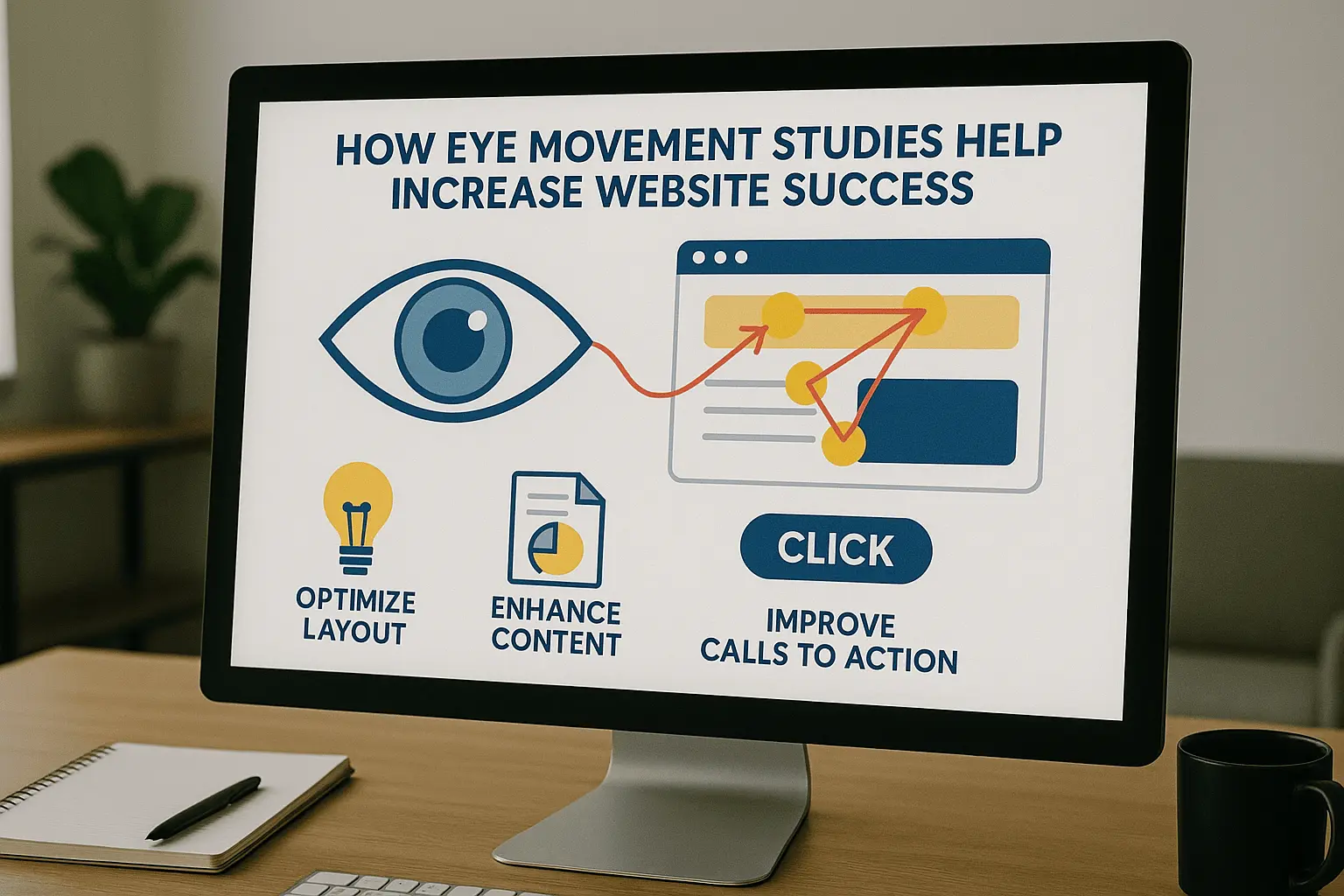
How Visual Behavior Shapes Smarter, More Intuitive UX/UI Design
Explore how understanding human visual behavior and interaction patterns leads to better UX/UI designs — designs that feel intuitive, guide attention naturally, and turn visitors into engaged users.
Introduction
At the heart of outstanding UX/UI design lies one essential insight: people don’t view a page the way designers think — they scan, dart, glance, and fixate. Recognizing how human vision and eye movements work helps you create interfaces that guide attention, reduce friction, and build seamless digital experiences.
1. How Eye Movement Impacts UX Design
- Our eyes move in rapid jumps (saccades) and brief pauses (fixations), absorbing information only during those pauses.
- Eye tracking reveals what people look at, the order they view it, and what they ignore.
- Heatmaps and gaze paths show how users navigate a layout — and where design fails or succeeds.
2. Why Human Interaction Patterns Should Drive Design
a. Visual Hierarchy & Scanning Patterns
- Most users scan in F-shape, Z-shape, or diagonally — starting top-left.
- Prioritizing design elements based on natural eye flow increases visibility and engagement.
b. Attention Management & Focus
- High-contrast or moving elements draw attention — but too many can confuse.
- Good design uses subtle cues to direct focus and support task completion.
c. Spotting Usability Issues
- Eye tracking highlights friction points: missed buttons, unread content, confusing interfaces.
- Fixing these improves conversions and user satisfaction.
d. Humanizing the UX
- Seeing through your users’ eyes allows for empathetic, intuitive design.
- Real-time user behavior creates clarity on what truly matters to users.
3. Design Best Practices with Eye Movement in Mind
-
Lead with what's important
Place CTAs, headlines, and navigation where the eye naturally travels first. -
Use contrast & whitespace wisely
Contrast draws attention, whitespace gives clarity and comfort. -
Follow natural flow patterns
Align your content with scanning habits for seamless readability. -
Progressive disclosure
Show primary content first, and reveal more as users engage. -
Use subtle motion
Micro-interactions guide, not distract. -
Visual cues
Use arrows, directional graphics, and imagery that points to key areas. -
Test with real users
Use heatmaps or session recordings to validate visual hierarchy and flow.
4. Metrics to Track Impact
- Heatmap and gaze-path coverage
- Time to First Fixation (TTFF)
- Fixation duration (cognitive load indicator)
- Gaze sequence (logical or scattered flow?)
- Click-through and engagement metrics
- Conversion rates pre/post visual updates
Conclusion
Design isn’t just visual — it’s experiential. The way users see, react, and move through a layout determines whether your design succeeds or fails. By aligning UX/UI with real human behavior — especially eye movement — you create smoother, smarter, and more successful digital products.
Oceanside Web Design specializes in crafting interfaces rooted in these principles. Let us help you turn first impressions into lasting engagement.